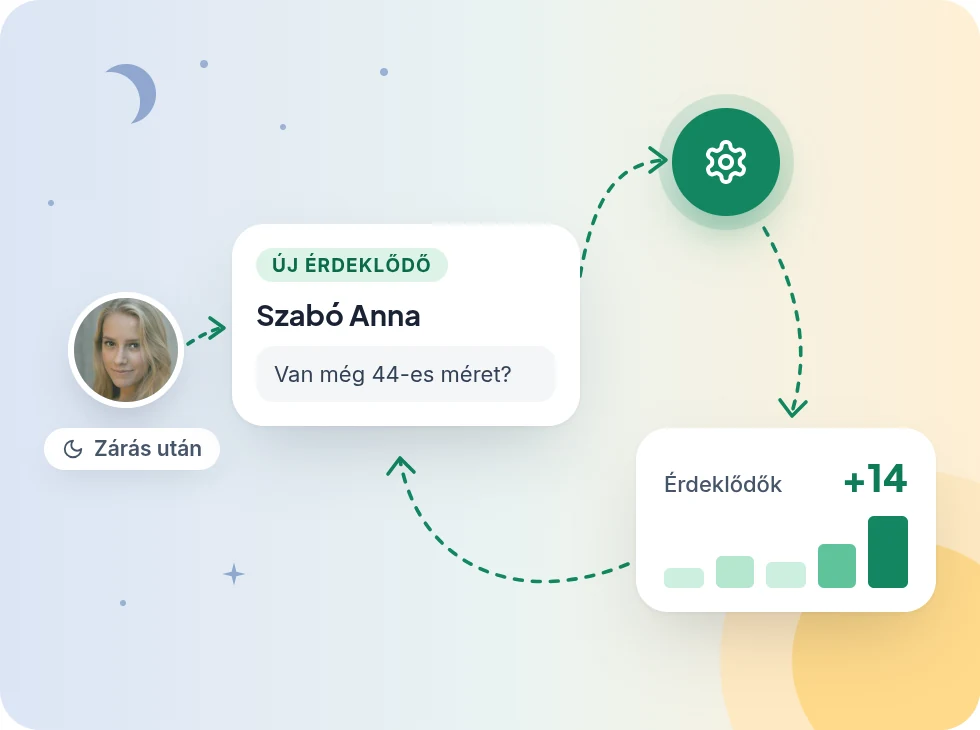
Don't lose a prospect after closing time
When nobody is available, the chat asks for the customer's name, email address and question. You start the morning with a ready list.
How it works
- 1
Set your opening hours
Tell it on which days and between which hours you're available. Zuppor adjusts what it offers the customer.
- 2
After hours it asks for contact details
When nobody can answer, the chat asks for the name, email address and question in a short form. You get an email about it.
- 3
See how much Zuppor did
The statistics show how many conversations there were each day, and how many the AI handled and how many your team did.
What it does
-
No prospect gets lost
After hours it still collects who you need to write back to.
-
An email for every new prospect
The account's admins get an email, and it shows up in the console right away.
-
Weekly opening hours
Set for each day when you're available, in your own time zone.
-
Daily traffic at a glance
From the Pro plan, conversations and messages per day, with the AI's and the team's replies apart.
-
When people ask the most
On the Max plan you see questions by hour and by weekday, and how many conversations a person handled.
-
Button statistics
From the Pro plan, see which answer in the button menu people asked for, and how often.
More features
Tonight, Zuppor answers your customers
Set up in minutes, and try the Pro plan free for 14 days, no credit card.
Get started free